
Quickstart
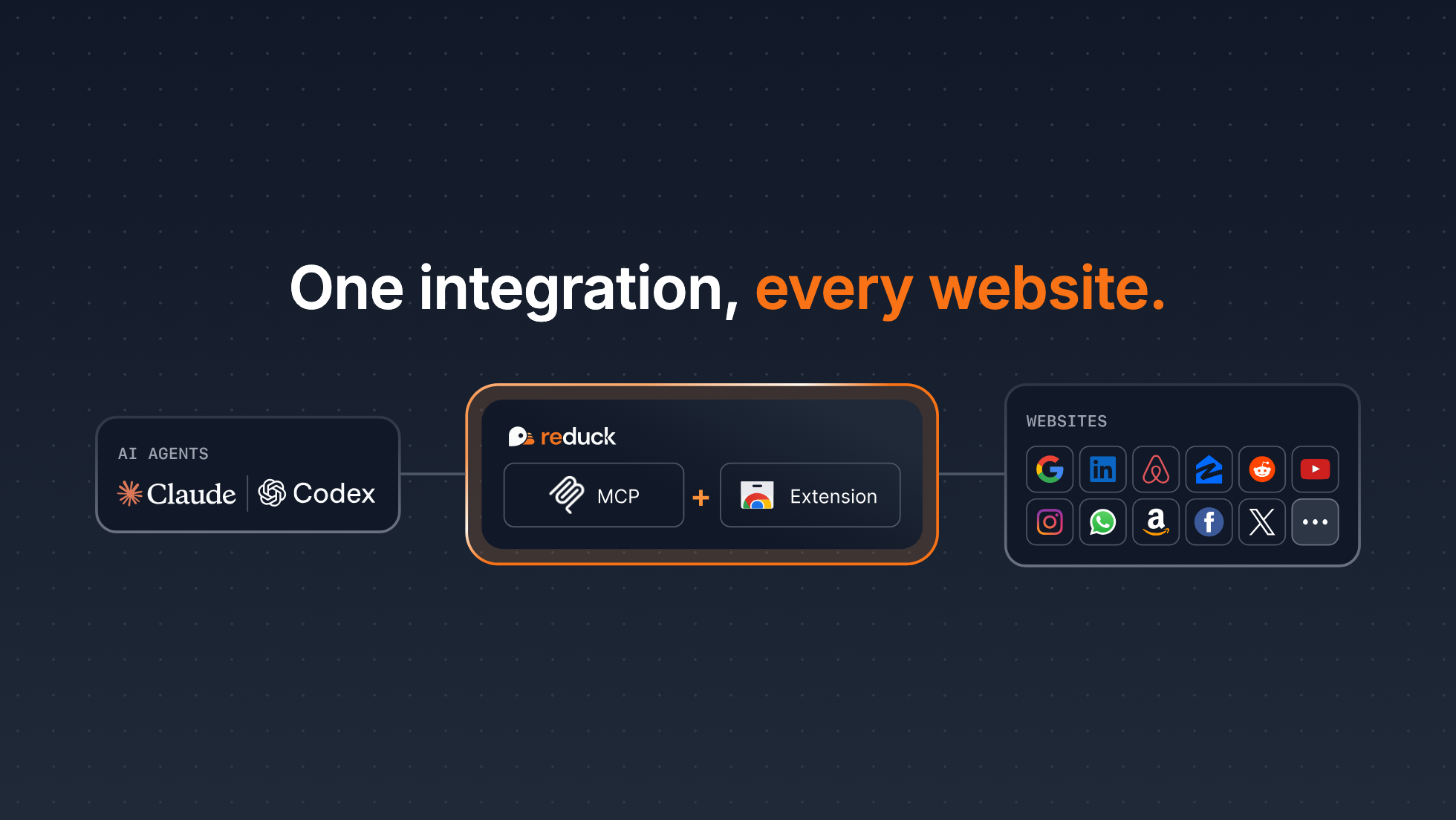
Agents struggle to automate websites with no API, such as LinkedIn, Reddit or your custom ERP. While they are able to do Computer Use, aka manipulating a browser to click or type, it is inadequate for complex and heavy workloads as it is:
- Unreliable: results vary and get worse with context size explosion
- Slow: each step requires slow thinking to decide next browser action
- Expensive: context fills up quickly and complex tasks hit rate limits
That’s why we built Reduck MCP: the easiest way for an agent to integrate and automate any site you use.
Reduck MCP allows agents to discover, run and create browser automation scripts that serve as tools. Scripts run in your own Chrome, through our extension, which allows your agent to work where you are logged in, with no credentials exposure, and your own fingerprint and IP, so detection risk is minimal (Stealth).
By exposing deterministic scripts as tools with a clear contract of inputs and outputs, Agents can perform complex automations quickly, accurately and cheaply, as they no longer need to manipulate a browser directly.
Quick start
- Create an account at reduck.ai.
- Install the Reduck extension and pair it with your account. Not using Chrome? See Supported browsers.
More about pairing
Right after the install, the extension asks to pair with your Reduck account: click Authorise.
If you missed the prompt, start pairing again from the extension itself:
On a browser where you are not signed in to Reduck, such as another machine, click Pair manually in the extension’s side panel instead. It shows an 8-character code to enter at reduck.ai/devices/pair, valid for 15 minutes (Phone and tablet).
- Install Reduck MCP. Follow the right install step depending on your client:
claude mcp add reduck --transport http --scope user https://mcp.reduck.ai
codex mcp add reduck --url https://mcp.reduck.ai-
 Claude CodeOne command
-
 Claude Desktop and webCustom connector
-
 Codex CLICodex Pro required
-
Codex DesktopCodex Pro required
-
 ChatGPTCustom plugin
-
 Grok BotAsk in chat
-
 Mistral Le ChatCustom connector
-
 HermesInteractive terminal
-
 CursorConfig file
-
 Google AntigravityRaw JSON config
-
 DustRemote MCP server
-
 OpenClawStreamable HTTP required
- Any other agentStreamable HTTP
-
- Start a new session and get started with your first automation! You can try a prompt like:
Using Reduck MCP, search on Google the top 3 latest posts of the week on "AI Agents" on LinkedIn. Then return the profiles of potential buyers of B2B AI agents
Key Features
Reduck MCP possesses a unique blend of features that make it a first class tool for your Agent to automate complex web tasks:
- Official script library: get started in minutes with the official library of scripts we maintain. Your agent finds them by calling
list_scriptswith the handle"reduck" - Stealthy and private extension: Reduck leverages your browser logged in state, fingerprints and residential IP so detection risk is minimal and credentials never leave your machine
- Parallel runs: scripts can be run in parallel with a single tool call for fast iterations
- File uploads: scripts can upload a file you give them, such as an email attachment, a video or an invoice
Build your own integrations

If our Official Script Library does not contain the exact scripts you want (e.g. you need to automate a local government portal or a custom made ERP), then you can use Reduck MCP to build your own scripts for your agent to use:
- Provide a prompt to tell your Agent to build a new script, such as:
"Use Reduck MCP to create a script that pulls IMDb's US box office top 10 for the weekend, with each film's IMDb rating, vote count, genre and Metascore"
- Once done your scripts can be discovered by your agent with Reduck MCP and can be found at https://reduck.ai/projects/
Integrations
Our browser automation infrastructure is mainly called from AI Agents through MCP but we also support CLI and REST API for alternative deployment options, e.g. inside an orchestrator such as n8n or a cron.
| Integration | Best for |
|---|---|
| MCP | Agentic usage. Works on most clients, including mobile ones like Claude (phone and tablet). Fast setup, nothing to install. |
| CLI | Agentic usage from a terminal. Pipes outputs into complex workflows: store results locally, chain with other tools, run twenty scripts in parallel. |
| REST API | Deployments without an agent: your own code, a cron, an orchestrator. The door built for managed browsers, so it runs 24/7 without you. |
| n8n | Workflows in n8n: a node that runs a script and returns its result, also as a tool for an n8n AI agent. |