
Dust
Dust reaches Reduck as a custom MCP server, added as a tool from the Spaces page, then given to an agent.
Before you start
You need a Reduck account, and a paired browser if you want scripts to run on your own Chrome. Both are in the quick start.
Add the server
Open Spaces and choose Tools. Click Add tools at the top right.

Click Add MCP server.
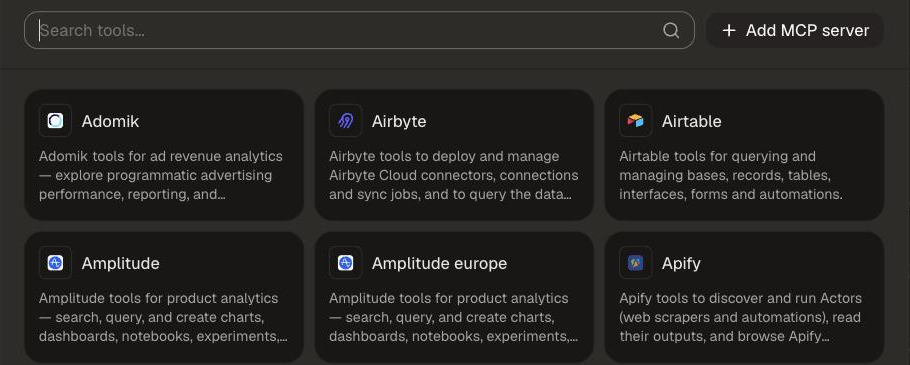
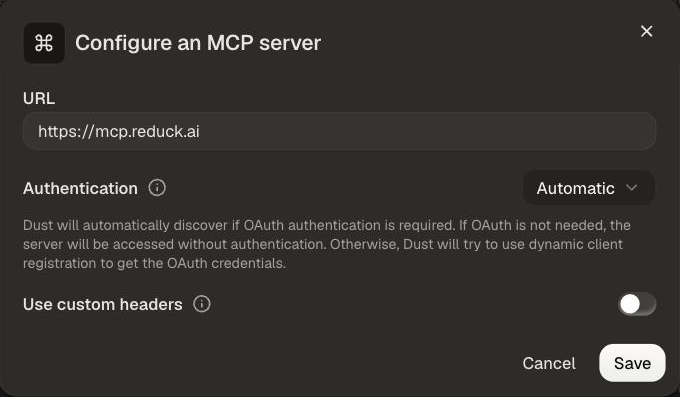
Fill in the form:
- URL:
https://mcp.reduck.ai. - Authentication: leave it on Automatic.
Click Save.
Connect your Reduck account
A Reduck page opens and asks whether Dust may connect to your account. Sign in if it asks you to, then click Authorize.
Confirm it is connected
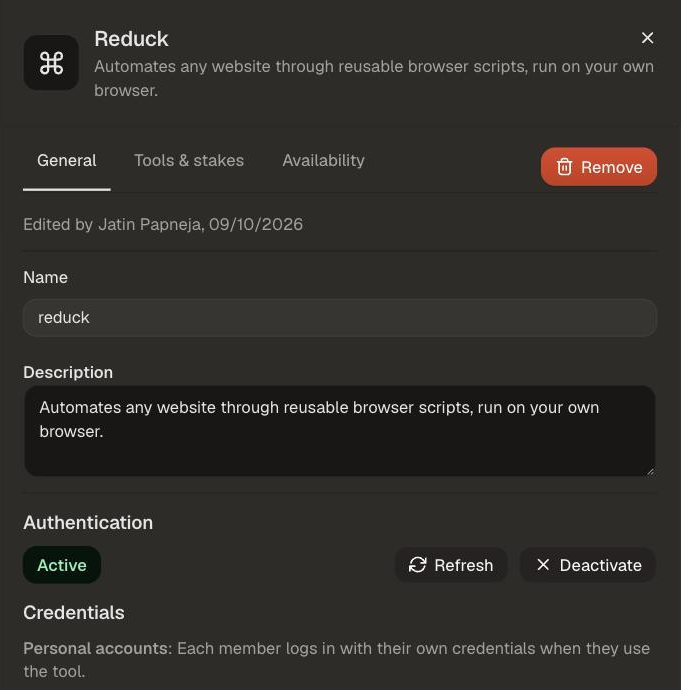
Click Reduck in the Tools list. Authentication shows Active.
Choose the tools
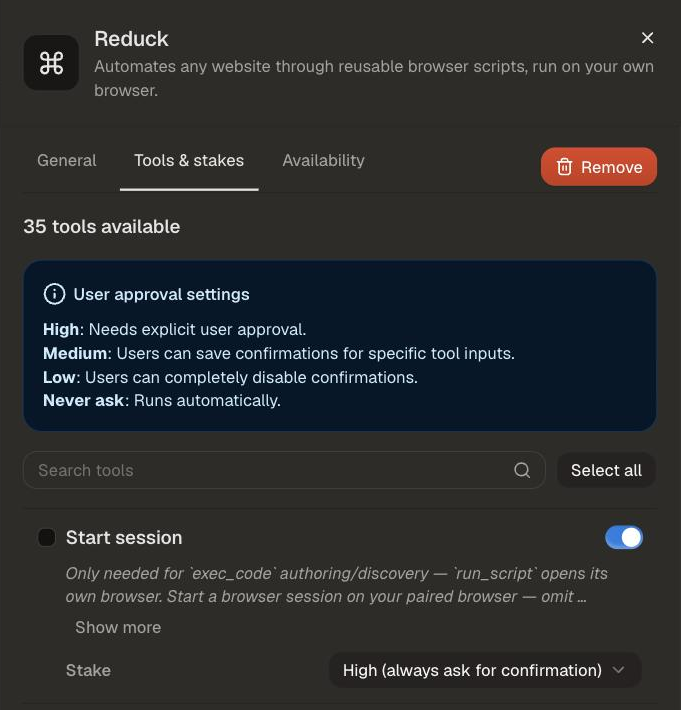
Open Tools & stakes, select the tools and stakes as per your needs, then click Save.
Try it
Ask for something on a real site, and let the agent pick the script:
Reduck finds a script for the site, runs it, and hands back the result. The script catalogue lists everything it can already do.