
Mistral Le Chat
Le Chat reaches Reduck as a custom MCP connector, added from the Connectors page.
Before you start
You need a Reduck account, and a paired browser if you want scripts to run on your own Chrome. Both are in the quick start.
Add the connector
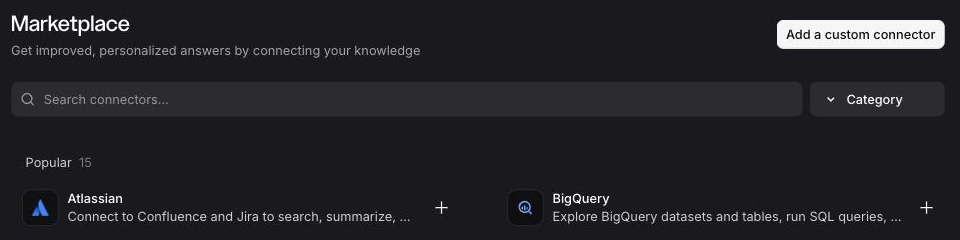
Open Context → Connectors and click Add connector.
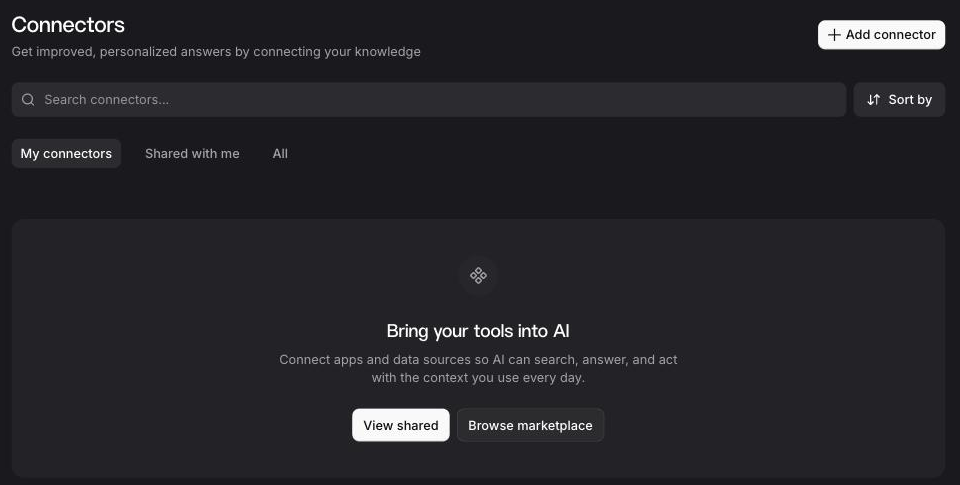
The Marketplace opens. Click Add a custom connector.
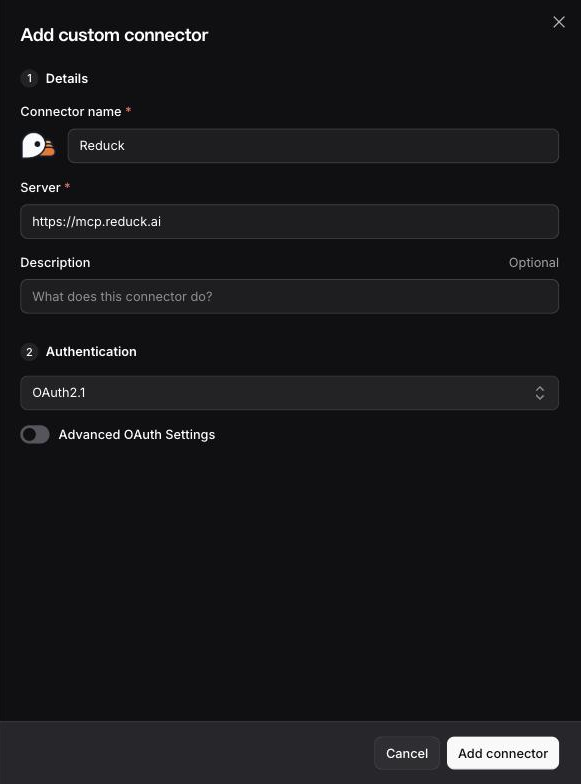
Fill in the form:
- Connector name:
Reduck. - Server:
https://mcp.reduck.ai. - Authentication: Le Chat detects OAuth2.1 on its own.
Click Add connector.
Connect your Reduck account
A Reduck page opens and asks whether Le Chat may connect to your account. Sign in if it asks you to, then click Authorize.
Confirm it is connected
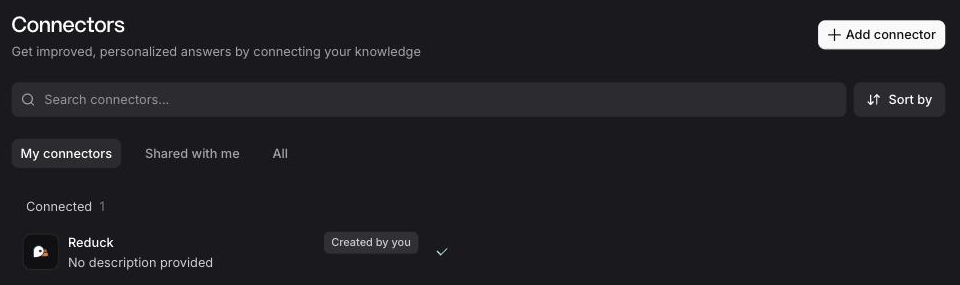
Reduck is listed under Connected on the Connectors page.
Try it
Ask for something on a real site, and let the agent pick the script:
Reduck finds a script for the site, runs it, and hands back the result. The script catalogue lists everything it can already do.