
n8n
n8n connects to Reduck with its built-in MCP Client Tool node. Attach that node to an AI Agent, and the agent can use the Reduck tools alongside everything else in the workflow.
Before you start
You need a Reduck account, and a paired browser if you want scripts to run in your own Chrome. Both are in the quick start.
You also need an API key from your Reduck dashboard. n8n usually runs on a server with no browser to sign in with, so the key is what identifies you instead.
Add the node
- Add an AI Agent node to your workflow.
- On its Tool connector, add an MCP Client Tool node.
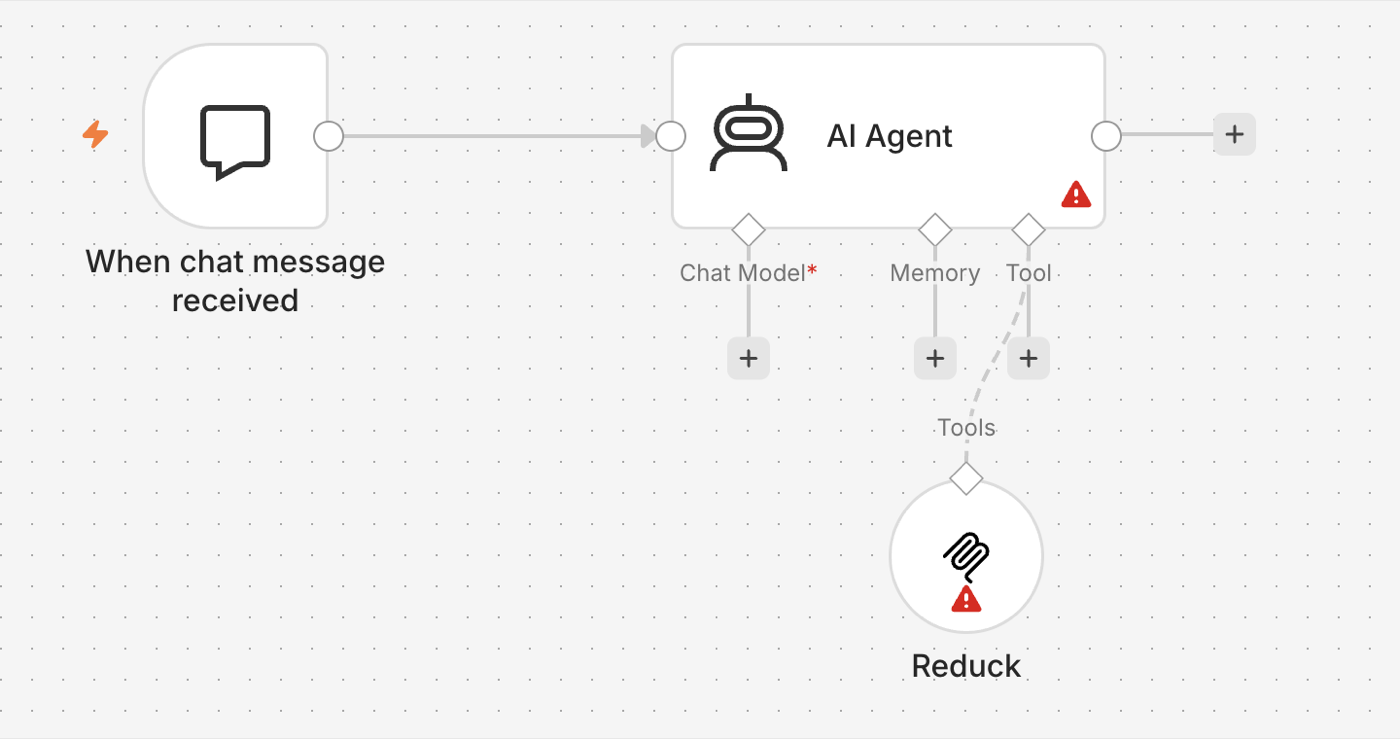
- Fill it in:
| Field | Value |
|---|---|
| Endpoint URL | https://mcp.reduck.ai |
| Server Transport | HTTP Streamable |
| Authentication | Header Auth |
| Credential → Name | X-API-Key |
| Credential → Value | your Reduck API key |
Leave Server Transport on HTTP Streamable. That is the transport Reduck’s server speaks. Do not pick Server Sent Events.
Give it more time
Open Options → Timeout and raise it. The node waits one minute by default, which is not enough for Reduck. Running a script opens a real browser and loads a real page, and on a slow site that easily takes longer than a minute even when everything is working.
Start with 300000 (five minutes), and lower it later if you know your scripts are quick.
This is the most common reason a Reduck node fails in n8n while the same script works everywhere else.
Show the agent fewer tools
Reduck comes with about thirty tools, and most of them are for building scripts rather than running them. An agent that only needs to run existing scripts does better with a short list.
Set Include Tools to Selected and pick:
list_scripts: find a script for the siteread_script: see what information it needsrun_script: run it
Add list_devices if the workflow chooses a browser itself, and list_runs or
read_run_results if it needs to look at a run afterwards.
Check that it worked
Open the MCP Client Tool node. Once the key is accepted, the node lists the tools it found. Then
run the workflow once and ask the agent to run whoami. It tells you which Reduck account the
key belongs to.
Try it
Ask for something on a real site, and let the agent pick the script:
Reduck finds a script for the site, runs it, and hands back the result. The script catalogue lists everything it can already do.